
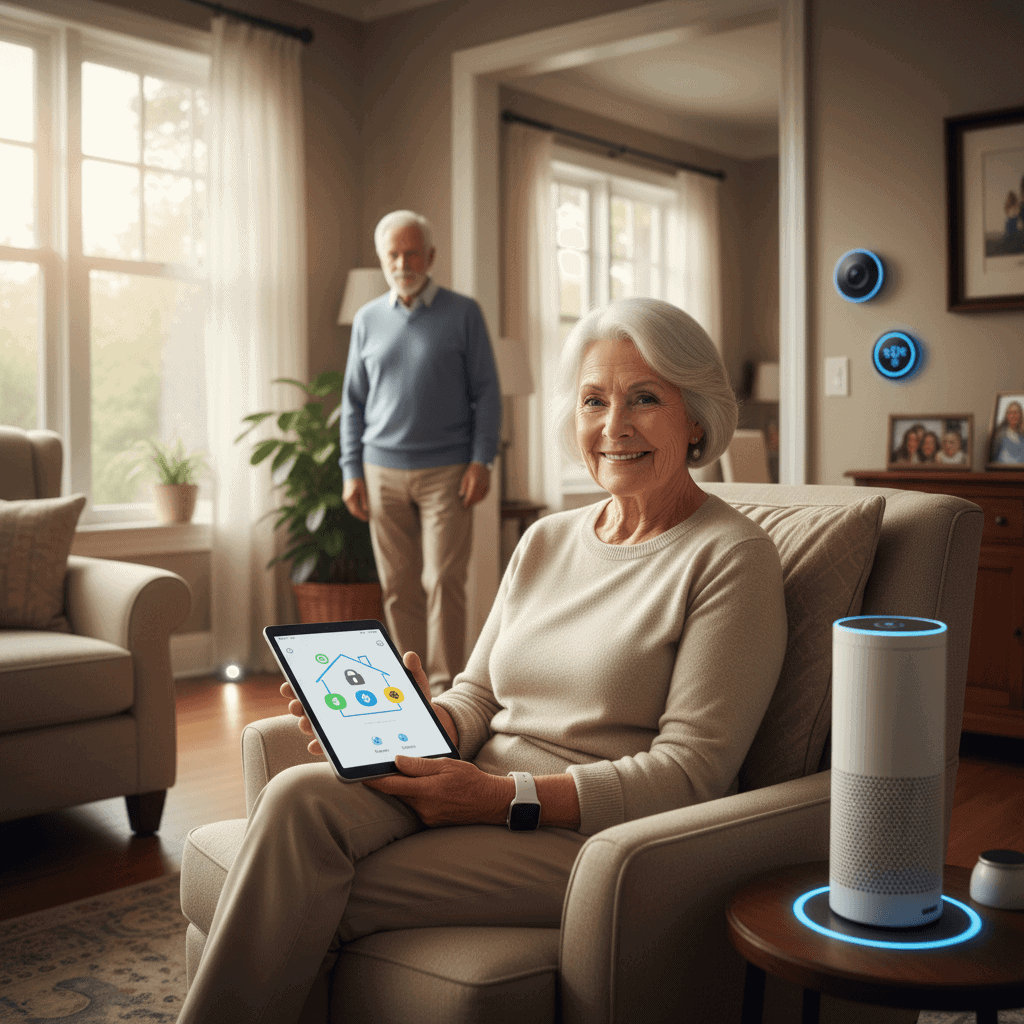
Keep Seniors Safe and Sound with Smart Home Tech
Seniors who prefer to stay in their own homes can enjoy independence with the right technology in place. This article explains clear, practical ways to Keep Seniors Safe and Sound with Smart Home Tech while avoiding jargon and hype. You will find concrete device types, layout ideas, and steps for a smooth setup that focus on real daily needs.
Coverage includes monitoring tools, hazard sensors, communication systems, medication supports, and tips for making the whole system easy to use. Read on for hands on examples, cost considerations, and questions to ask before buying so decisions are practical and affordable.
Why connected home tools matter for senior safety
Many falls and household incidents happen when a person is alone and unable to call for help. Statistics from health agencies show that among adults over 65, one in four falls each year. Rapid response can make a big difference in outcomes. Connected technologies can detect incidents or offer an immediate way to contact help.
Beyond emergencies there are daily risks that go unnoticed like wandering during the night, missed medication, or slow changes in mobility. Well selected devices provide timely alerts and routine reports that family members and caregivers can use to adjust support. The goal is to keep independence while reducing preventable harms.
Essential monitoring devices for daily safety
These devices are the foundation of a modern safety setup. Choose items that match the user s mobility level and comfort with technology.
Fall detection and motion sensors
Wearable pendants and wristbands that detect rapid changes in body position can call for help automatically or with a single button press. If a wearable is not preferred, wall mounted motion detectors placed in corridors and entryways pick up unusual inactivity or sudden absence of movement during expected hours. Look for devices that offer adjustable sensitivity so false alarms from pets or routine activity can be reduced.
Medical alert systems
Basic medical alert services provide a direct line to trained operators who can contact emergency services and family. Some subscriptions include GPS so responders can find a person who has left the residence. Consider systems that allow two way voice through a base station so the user can speak with an operator from a chair or the floor without moving far.
Environmental sensors that prevent hazards
Every home has potential hazards that sensors can detect early. Pairing multiple sensor types gives fuller coverage while keeping costs reasonable.
Smoke carbon monoxide and gas detection
Modern detectors combine smoke and carbon monoxide sensing with louder alerts and remote notifications to phones. For seniors with hearing loss, devices that trigger flashing lights or bed shakers inside the bedroom add an extra layer of protection. Replace detectors according to manufacturer recommendations and test them monthly.
Water leak and temperature sensors
Water leaks in basements or near appliances can lead to slips and mold. Small sensors placed near washing machines, water heaters, and under sinks send alerts when moisture is detected. Temperature sensors in living areas and refrigerators help prevent food spoilage and indicate when home heating fails. In cold climates a sudden drop in indoor temperature can be a medical risk for seniors.
Communication medication and daily routine supports
Staying connected reduces isolation and helps with prompt care. These tools are both preventive and reactive.
- Video calling hubs with large displays and simple interfaces make it easier to see family and medical providers. Choose models with an easy to press camera privacy shutter for comfort.
- Telehealth ready devices that connect to provider portals allow routine check ins without travel. Ask the medical provider which platforms are accepted so the setup will work on the first try.
- Automated pill dispensers that lock away doses and provide audible reminders cut the risk of missed or doubled doses. Some models produce audit logs so caregivers can confirm medication adherence.
When selecting communication tools think of the person s hearing vision and dexterity. Large buttons, clear labels, and voice prompts can make a big difference. If hearing is limited, pair devices with visual alerts or vibrating notifications.
Design tips for making systems user friendly
Technology is only helpful when people can use it comfortably. Apply these design choices to reduce frustration and improve acceptance.
- Prioritize devices with minimal daily interaction. If a device requires frequent configuration or charging it may be abandoned quickly.
- Place controls at seated height and within easy reach in living and sleeping areas.
- Use consistent labeling and color coding. For example one color for emergency contacts and another for reminders helps recognition.
- Introduce new tools gradually. Start with one or two high value items and expand once the person is comfortable.
Testing with the user present is key. Spend an afternoon running through common scenarios like a missed alarm or a false alert so the person and the caregiver learn what responses to expect.
Privacy security and practical implementation questions to ask
Connected devices collect data. Ask vendors where data is stored and who can access it. Local storage on the device with optional cloud backup may be preferred by people who want minimal sharing. Check whether the product supports passcodes and how easy it is to change them.
Consider battery life and power backup options for critical devices. A smoke detector with weak batteries is useless during an outage. For essential items choose models with multi year batteries or ones that connect to the home power supply with battery backup.
Cost is a common concern. Look at total ownership beyond the initial purchase. Monthly service fees for monitoring, cloud storage or emergency response add up. Compare models that offer one time purchase with those that require subscription and weigh which approach fits the household budget.
How to introduce these tools to seniors with dignity
Present technology as a way to keep life normal rather than a sign of declining ability. Use positive language and emphasize the benefits that matter to the person like keeping favorite routines and staying connected with family.
- Invite the senior to choose the devices they prefer and involve them in placement decisions.
- Show how each item works and create a short printed list of steps for common tasks like calling a contact or pausing alerts.
- If there is resistance start with communication devices that connect to family. A single video call that goes smoothly can build trust.
For more product ideas and a selection of devices organized by category visit a trusted review resource such as senior home safety technology which lists options with pricing and user notes.
Common pitfalls and how to avoid them
Several frequent mistakes reduce the value of a technology setup. Avoid these to keep the system reliable and used.
- Overcomplication with too many apps and accounts. Consolidate where possible and use a single login family account for basic alerts.
- Poor placement of sensors. For example a motion sensor blocked by furniture or a camera facing a bright window will underperform. Follow placement guides and test in real conditions.
- Ignoring maintenance like battery checks and software updates. Schedule a monthly check list and mark it on a visible calendar.
- Failing to practice emergency scenarios. Run a few drills with the system so everyone knows the steps in a crisis.
As you prepare to add new devices remember that the goal is practical safety and comfort. Match the level of technology to the person s daily habits and mobility. Start small and expand the network of devices only if they add clear value.
Conclusion
Keeping seniors safe at home is possible with a careful selection of connected devices that match real life needs. This article covered monitoring devices, environmental sensors, communication and medication supports, user friendly design tips, and practical questions about privacy and cost. The best approach is incremental. Begin with one or two high impact items such as a wearable fall detector and a combined smoke and carbon monoxide alarm. Test the setup, involve the senior in decisions, and schedule simple maintenance tasks so the system remains useful over time. If budget is limited prioritize items that protect against the most common risks like falls and fire and consider used or refurbished units from reputable sellers where appropriate. Finally check the compatibility of new devices with any products already in use so integrations operate smoothly. Try a short trial period with a monitoring service before committing to a long term contract and ask for a clear refund policy. If you are ready to move forward take one practical step today like ordering a wearable alert or installing a water sensor under a vulnerable appliance. Small steps produce steady improvement in safety and quality of life.


