
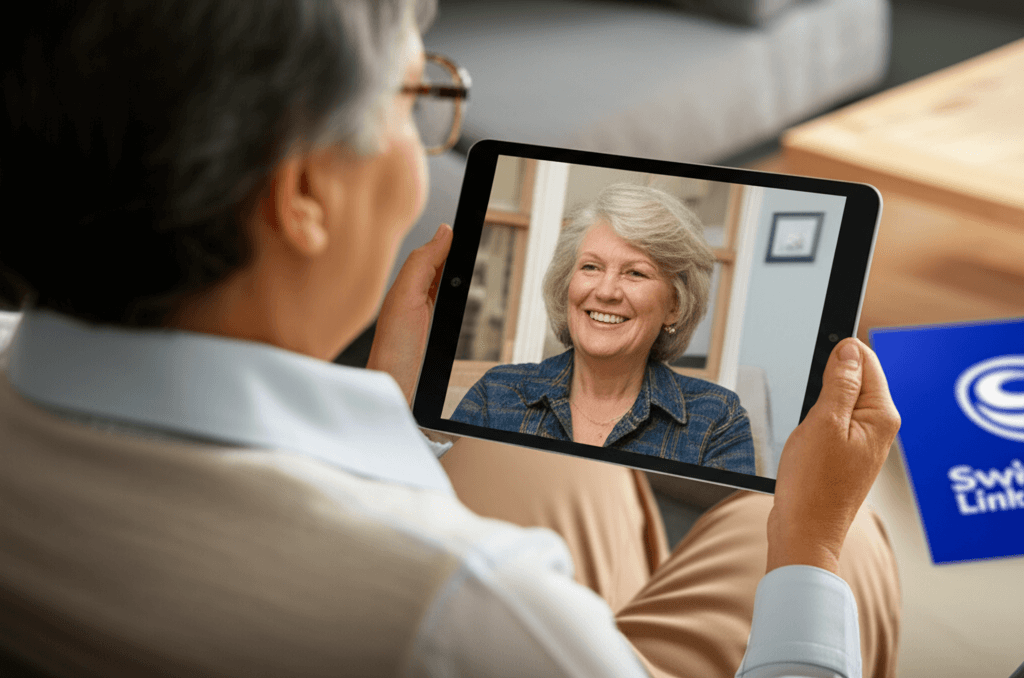
How Swindon Link Supports Elderly Through Technology Charity
Technology helps seniors stay in touch, stay healthy, and tackle daily life smoothly. Many seniors pick up tablets to video chat with loved ones, track health numbers online, and take care of tasks without stress. Local groups hand out devices, teach skills, and offer friendly support that beats loneliness and boosts daily living. This info fits anyone eager to close the tech gap and bring smiles to seniors, so keep reading to discover how small moves make a giant difference.
One local organization stands out for its practical approach to helping older residents learn and use technology. Swindon Link works with volunteers professionals and local partners to provide hands on sessions device lending and follow up support that respects pace and comfort. Below we explain how the program works why it matters and how families and volunteers can get involved.
The mission and local focus behind the program
The charity operates with a clear aim to make technology usable and welcoming for older adults living in the community. Rather than presenting a one size fits all model the program looks at common barriers such as lack of confidence limited prior experience and concerns about privacy. Staff and volunteers take time to assess individual needs and then choose the most suitable tools and learning methods.
Focusing on local neighborhoods helps the team build trust and respond to local transport and social patterns. Sessions occur in community centers libraries and residential hubs so people can attend without a long journey. The result is higher participation and better retention of new skills.
Services offered equipment loan and device setup
Access to the right device is often the first obstacle. The program maintains a stock of tablets and simplified laptops set up with clear menus large icons and essential apps. Equipment is loaned for an agreed period so people can try technology at home before deciding to keep it.
Device preparation and safety basics
Every device is configured before loan. Settings are adjusted to enlarge text activate simple keyboards and connect to local Wi Fi. Privacy safeguards are enabled and explained in plain language so the user understands passwords updates and the risks of public networks. This reduces confusion and increases confidence.
Repair and troubleshooting clinics
Drop in sessions focus on small fixes and routine updates. Volunteers show how to install security updates recover lost passwords and remove unused apps. These clinics prevent small issues from becoming reasons to stop using a device.
Learning options and teaching methods for older people
Training is the core of the charity work. Learning options are flexible and include one to one coaching group classes and home visits. Scheduling is flexible and paced to match how quickly each person learns. Teachers avoid technical jargon and use every day examples that relate to the learner life.
- One to one coaching for individual needs and confidence building
- Small group classes to encourage peer learning and social contact
- Home visits when mobility or transport is a barrier
Lessons start with simple tasks such as making a video call sending photos and accessing local services online. Each session has clear objectives and takeaways so learners leave with practical skills they can repeat later.
Volunteer network training and community partnerships
Volunteers are the backbone of the program. Recruitment focuses on people who are patient good communicators and open to learning how to teach older adults. Volunteers complete training that covers teaching techniques safe handling of devices and how to explain online safety in straightforward terms.
Partnering with health and social services
Working with local health teams social care organizations and community groups allows the charity to reach people who might benefit most. Referrals from local clinics or housing teams help identify residents who are isolated or who have specific needs such as managing medication reminders or remote consultations.
Building sustainable peer helpers
When learners gain confidence they are encouraged to become peer helpers. This creates a sustainable cycle where participants lead small groups and offer companionship that keeps newly learned skills alive. Peer led activities often include shared projects such as photo sharing clubs and video call hours for remote family contact.
Measuring impact and outcomes for older adults
Understanding results helps the organization refine services. Outcomes are tracked using simple measures such as session attendance reported confidence levels and concrete tasks completed at home. Examples of progress include people who begin to use video calls to stay in touch with relatives begin routine online shopping or access health portals for appointments.
Qualitative feedback is also important. Learners commonly report reduced feelings of loneliness improved ability to manage appointments and a greater sense of independence. These personal stories provide powerful evidence of the value of targeted tech training.
Practical tips for families and caregivers who want to help
Family members play an important role in supporting older relatives to use technology. Simple steps can make a big difference. First choose one clear purpose such as connecting with family or managing prescriptions so learning feels relevant. Next set up a device with simplified menus and a list of essential steps written in plain language. Keep sessions short and repeat tasks frequently.
- Pick a single app or task to learn each week
- Create a short cheat sheet with step by step instructions
- Schedule regular friendly practice sessions
- Be patient and celebrate small wins
These tips help reduce frustration and build routine. If a device issue appears contact community clinics that provide troubleshooting so a small problem does not end the learning process.
How to get involved or access services today
There are several ways to engage with the program. People who need help can request device loans sign up for a class or ask for a home visit. Volunteers can join training sessions and bring existing skills in teaching basic computing or practical problem solving. Local businesses and groups may choose to donate lightly used devices or sponsor sessions which helps cover costs.
Referral pathways from health services housing associations and local community centers make the program more accessible for those who need priority support. If you represent a community group contact the organization to discuss joint sessions or to arrange an information stand at local events.
Case studies and real life examples
One participant began with a fear of pressing the wrong buttons. After a few one to one sessions she was able to set up a video call with grandchildren and now joins a weekly online family catch up. Another person used device loan to try online grocery ordering and found it saved multiple weekly trips to the store. These practical changes can have ripple effects across wellbeing social contact and safety.
Volunteer led repair clinics also show quick wins. A simple password reset carried out at a clinic can restore access to banking and pension portals that had been inaccessible for months. These short interventions reduce stress and restore independence.
Conclusion
Bridging the digital gap for older adults requires patience thoughtful training and local connections. The charity offers a model that combines device access training on site and in homes volunteer support and community partnerships to deliver measurable improvements in connection safety and daily living. Families can play a role by focusing on one clear goal setting up devices and offering regular practice. Volunteers and local groups can help by donating time or equipment and by hosting sessions that bring people together.
If you would like to find out more apply for a device book a training session or volunteer contact the local office or visit the program page to learn what options are available and to sign up. Small steps lead to lasting change and your involvement can help an older person gain new skills stay connected and feel more confident using everyday technology.


